
Pre-Show Checks for Guests
OK let’s do this…
First, to schedule a date and time that works for you, click on our Calendly Scheduler

- Once you pick your date and time, you will receive the Coach JP Money STUDIO LINK. 10 minutes before your show time, click the link and you’re on Money Talks with Coach JP Money!
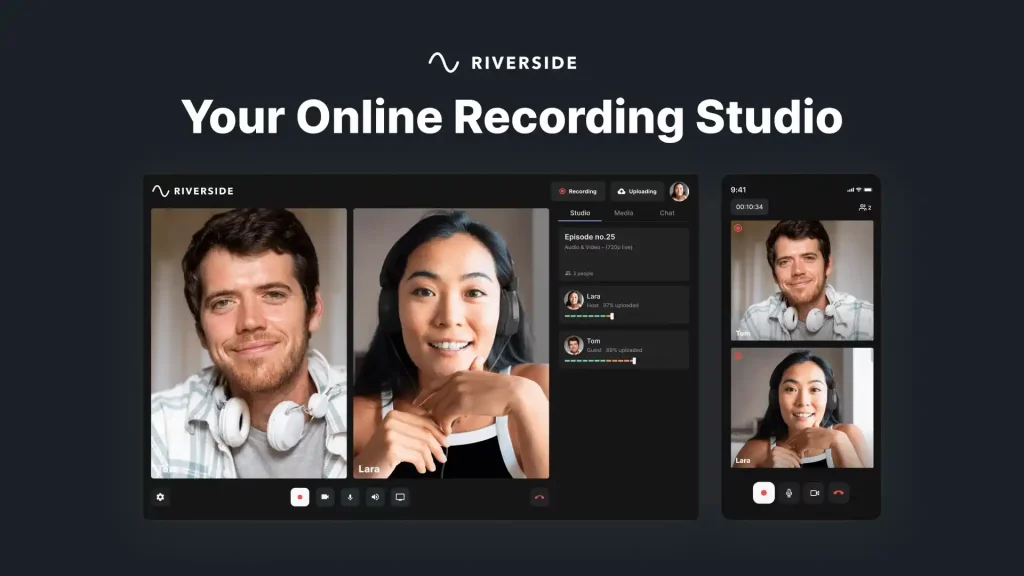
- Once you are logged in to our Coach JP Money Studio, we will be able to see you and confirm that your camera and mic are working. Then we hit the record button and we do the show
 Money Talks with Coach JP Money is actually both a video and audio podcast. The show is recorded. So if there are any mistakes or errors during the recording, don’t worry, we will resolve them in post-production editing.
Once the recording is completed, within 72 hours we will publish it on all of our streaming services (see full list here). Then we will send you the links so you can see and share with your network.
 Recording Checklist
- Use a computer with a Chrome or Edge web browser that’s up-to-date
- Check your internet stability. Ethernet cable connections are preferred over WIFI.
- Use an external mic, if possible. Even the mic in your ear/headphones
- Use headphones/earphones to prevent echo and increase audio quality
- Close all other applications that do NOT need to be open during the recording. This prevents CPU overload. IMPORTANT: Please close all other programs that try to use your mic/camera.
SUPER IMPORTANT!!!!
After the show is over DO NOT HANG UP. You MUST STAY ONLINE with the host so that the video, on your end, properly uploads 100%.
You can see the upload ticker at the top right of your screen. When it hits 100% completed, you can exit the Coach JP Money Studio. With a quality net connection, it is usually just 3-5 minutes.
If you have any questions or need assistance before we record, don’t hesitate to reach out via;
- E-mail: media@coachjpmoney.com
- Whats App Text: +52(646)119-9346
MISSION CRITICAL BROWSER
- If you use an APPLE COMPUTER, then just use their SAFARI browser.
- If you use WINDOWS, you’ll need a Chrome or Edge Browser. If you don’t have Chrome, download it here.
TECHNICAL
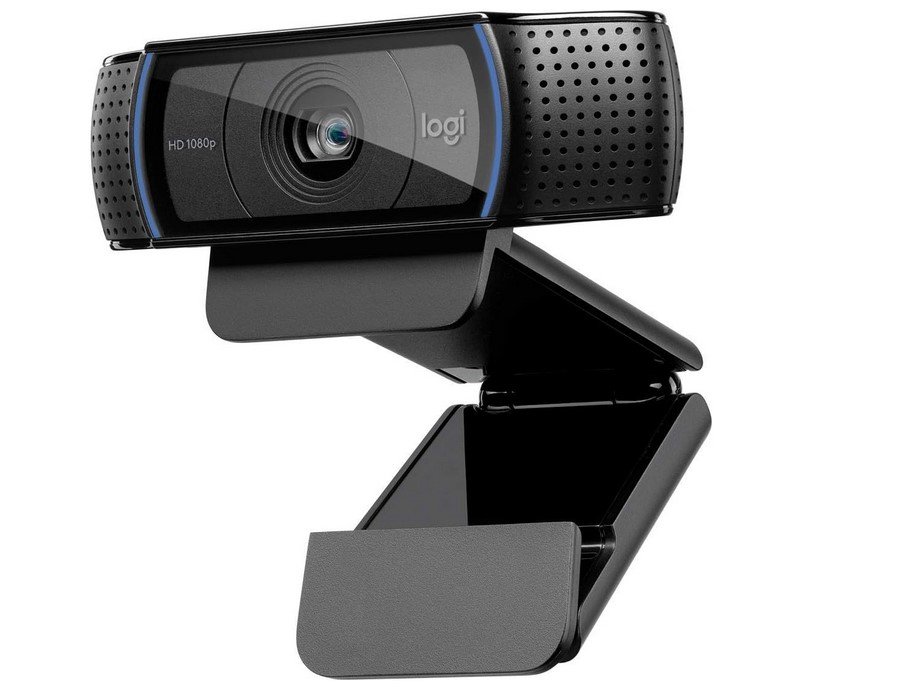
Camera: You’ll need a good camera, preferably 1080p HD. But 720p works too! Smartphones, Laptops, DLR cameras…all good. GT Radio uses the simple Logitech C920x HD Pro Webcam 1080p. Available on Amazon.com
 Microphone: Built-in laptop mics work ok but they can also be tinny. It’s always better to have a higher-quality microphone. GT Radio uses the SAMSON Q2U USB dynamic mic. Available on Amazon.com.
